Global routes
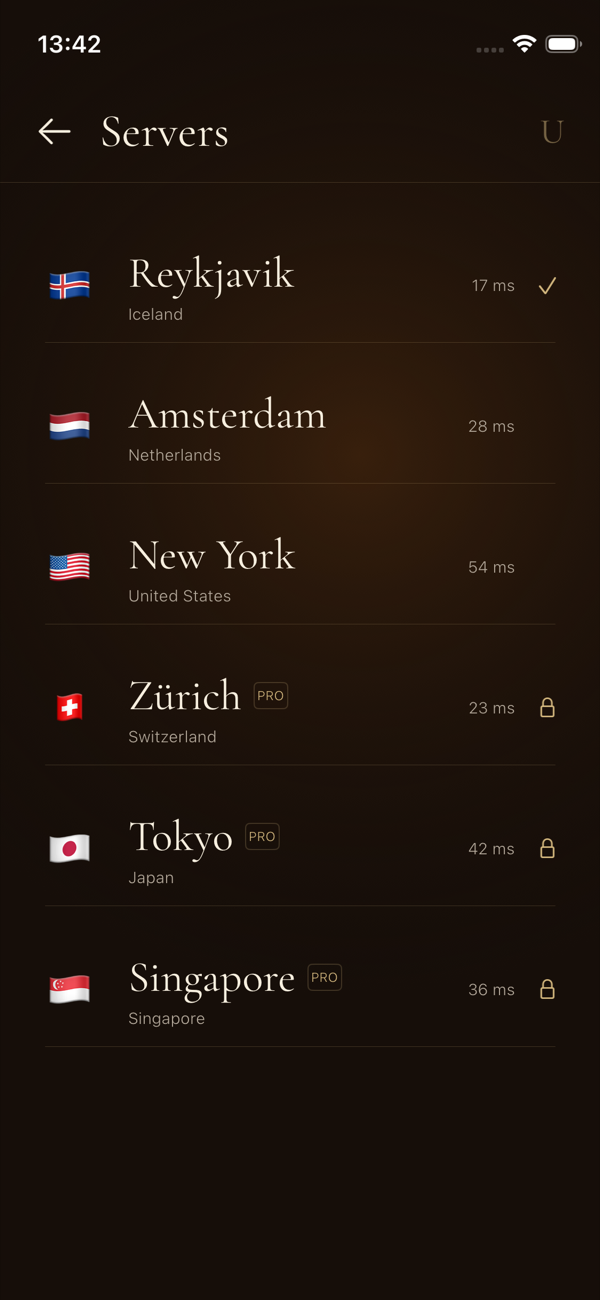
Select from available locations and see current connection latency before you connect.
Your private network
A quiet, focused VPN experience for iPhone. Choose your route, connect in one gesture, and keep control of your digital path.
The UMBRA experience
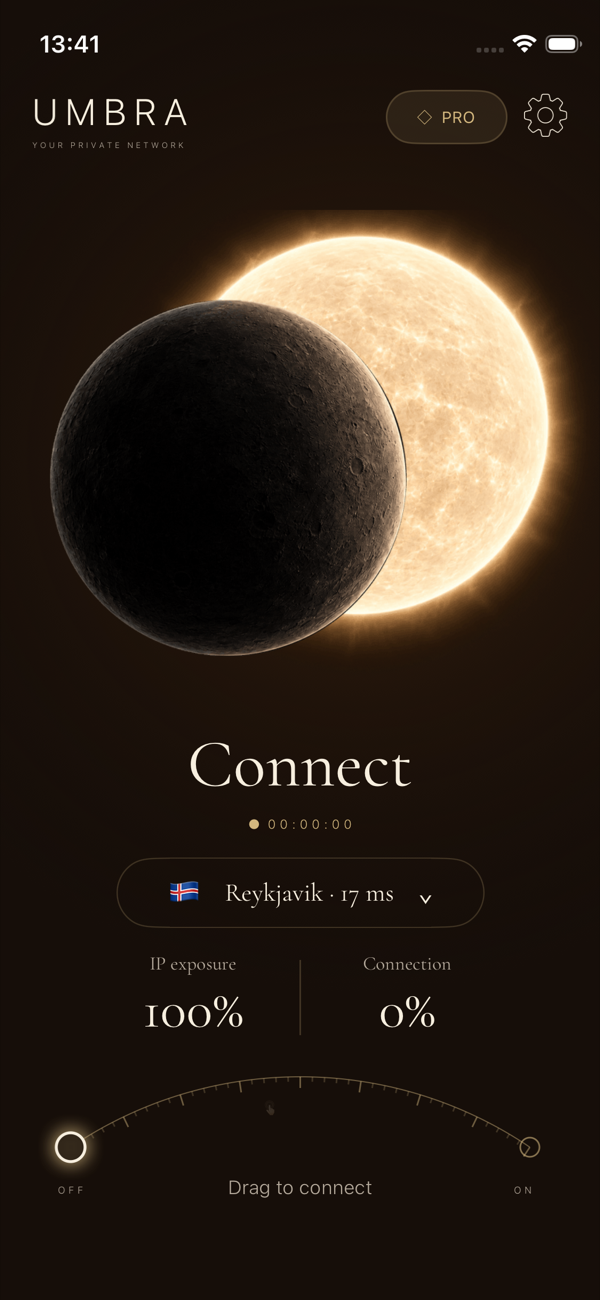
Every screen is designed around one task: getting you onto the route you choose with clear status, visible progress, and no unnecessary controls.
Built for everyday privacy
Select from available locations and see current connection latency before you connect.
Follow connection progress, tunnel state, selected node, and session duration from one screen.
UMBRA uses Apple's Network Extension framework to establish and manage the VPN connection.
Restore eligible subscriptions and manage renewal directly through your Apple ID.
How it works
Pick an available server based on location and measured latency.
Drag the control to begin. UMBRA shows progress while the secure tunnel is established.
Review the active location and connection duration, or switch routes whenever needed.
Privacy, explained
We describe what the app processes, why it is needed, and which service providers are involved. We do not sell personal information or use third-party advertising SDKs.
Subscriptions
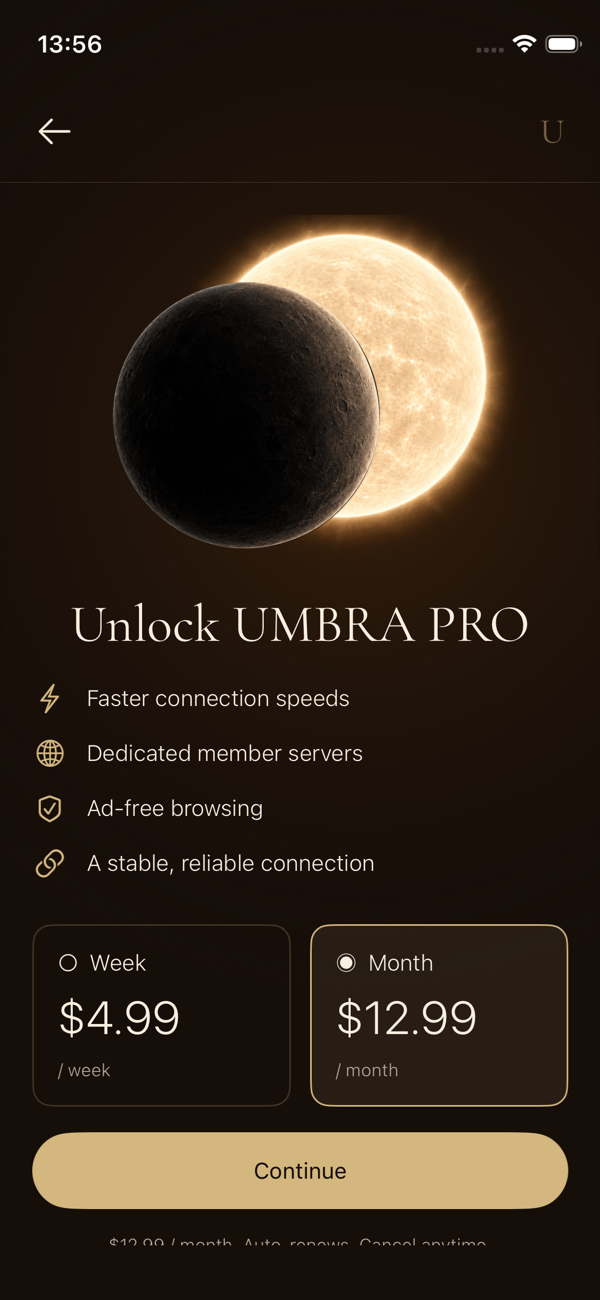
UMBRA may offer weekly and monthly auto-renewable plans. Current pricing and any available introductory offer are shown in the app before purchase. Payment, renewal, cancellation, and refunds are administered through Apple.
Questions
No VPN can guarantee complete anonymity. UMBRA helps protect traffic between your device and the selected VPN server, but websites, account providers, device settings, and other services may still identify you.
Subscriptions renew automatically unless canceled at least 24 hours before the end of the current period. You can manage or cancel from Apple ID Settings under Subscriptions.
Yes. Open the subscription screen in UMBRA and choose Restore purchases while signed in with the Apple ID used for the original purchase.
Performance depends on distance, server load, your network provider, Wi-Fi or cellular quality, protocol availability, and conditions outside UMBRA's control.
Support
Get connection help, billing guidance, privacy information, or request deletion of account-linked data.
[email protected]